Guest Experience
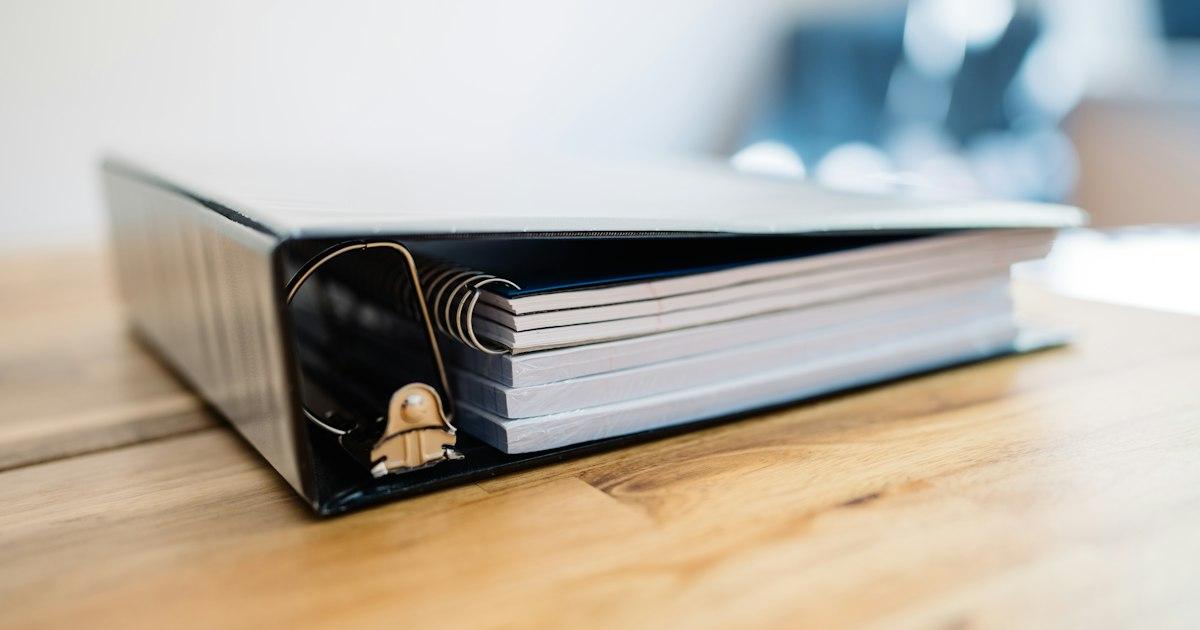
Airbnb Welcome Book: Printed Binder vs Digital Guidebook
Most welcome binders are outdated within a year, and guests only open them after something has already gone wrong. Here’s what the binder was supposed to do, the seven places paper fails, and how to move it online in an afternoon.
Most Airbnb welcome binders are outdated. The Wi-Fi password has changed since it was printed, two of the restaurants on the “Where to Eat” page have closed, and the hot tub it describes was replaced last spring. Guests find out the hard way, usually at night.
The problem isn’t that it’s paper. A printed welcome book is a snapshot of your property on the day you printed it. The property, the neighborhood and your guests keep moving.
What the welcome book is supposed to do
Strip away the design and a welcome book has six jobs:
- Get guests online. Wi-Fi network and password.
- Explain how things work. The thermostat, the TV inputs, the hot tub, the lockbox, the stove with the child-lock nobody can find.
- Set the rules. Quiet hours, parking, pets, where the trash goes and which day it’s collected.
- Share local recommendations. Coffee, dinner, the hike, the beach with free parking.
- Handle the bad night. Your number, the nearest urgent care, where the breaker panel is.
- Get them out cleanly. Check-out time, towels, keys, the door that has to be pulled hard.
Everything below measures the printed binder and the digital guidebook against those same six jobs.
Seven ways a printed welcome book fails
1. It’s outdated the day you print it
Local recommendations decay fastest. In one of the most cited studies of restaurant survival, published in the Cornell Hotel and Restaurant Administration Quarterly, about a quarter of independent restaurants closed or changed hands within their first year, and roughly 60% had turned over by the end of year three. A “Where to Eat” page you built three years ago is probably wrong about more than half the places on it.
It isn’t only restaurants. The city changes the street-parking rules. Trash collection moves from Tuesday to Thursday. The hot tub gets replaced with one that works differently. Each change is a reprint you’ll put off, so the old page stays, and the guest finds out the hard way.
2. It lives in one room, in one copy
The guest who needs the parking instructions is sitting in the car. The guest who wants to know how the coffee machine works is in the kitchen at 6am trying not to wake anyone. The guest wondering whether the beach has showers is already at the beach. The binder is on the counter, and the question is always somewhere else.
3. It can’t answer the 11pm question
Guest problems don’t keep office hours. In Akia’s analysis of 1.6 million guest messages, about four in ten arrived outside 9-to-5, Wi-Fi problems were nearly twice as common late at night, and lockouts peaked between 11pm and 2am.
A binder is a document, not a conversation. If the guest’s question isn’t on a tab, say, how to unlatch the hot tub cover, the binder has nothing, and the guest sends you a message. You see it at 7am. They’ve already written the review in their head.
4. It’s a set of instructions, and nobody reads instructions
Think about how anyone finds information now. They type a question and expect an answer. Nobody flips to a table of contents, finds the right tab and reads a page from the top, and your guests are no different. They open the binder when the Wi-Fi drops, the TV is on the wrong input or the thermostat is locked, skim for the one line they need, and put it down.
So the binder explains problems. It rarely prevents them. The information that prevents problems, the check-in steps, the “garage code is different from the door code” note, the parking photo, has to reach guests before they’re standing in the driveway, in a form they can search. Paper on the counter can’t do that.
5. It isn’t there before arrival
In Touch Stay’s survey of 1,365 hosts, Wi-Fi was the single most-asked guest question and check-in logistics came second. A large share of those questions arrive before check-in: where do we park, what time can we get in, is there a crib. The binder isn’t in the guest’s hands until after they’ve already needed the answers, so every pre-arrival question lands in your inbox instead.
6. It speaks one language
A printed book is written in one language. For an international guest, every instruction is a photo-and-translate exercise, and every translated version you might print is another binder to keep current.
7. It tells you nothing
A binder doesn’t tell you which page guests opened or which question they couldn’t find an answer to. So hosts miss the pattern. The same question three stays in a row means the listing or the property needs a fix, not another reply. Akia’s earlier report found roughly 80% of 900,000 guest messages were the same repeatable questions. With a paper binder, every one of them lands in your inbox, where you answer it individually, forever.
What a digital guidebook does with the same six jobs
The six jobs don’t change. What changes is when guests get them, where, and how fast you can fix them.
Guests get it at booking, not at the door. A binder exists only inside the property, so guests can’t read it until they’ve arrived. A Guest Manual is sent as soon as a booking is confirmed. Guests plan the trip around it: which restaurants to book, where to park, whether to bring a stroller or use the one in the closet. The pre-arrival questions in your inbox drop because the answers got there first.
Edit from wherever you are. A lock code changes, trash day moves, a restaurant closes. You update it from your phone in under a minute and every current and future guest sees the new version. No midnight print runs, no crossed-out passwords, no page that’s been wrong since spring.
It’s on the guest’s phone. The guidebook opens as a web app with no download, so it works in the car, at the beach, and in the kitchen at 6am. Guests won’t install anything for a three-night stay; they don’t have to.
It answers the 11pm question. An AI concierge built on your guidebook answers “how do I lift the hot tub cover” at 11:40pm from what you wrote, in the guest’s language, without waking you. For the questions a binder’s tabs never anticipated, that’s the difference between a message in the morning and no message at all.
You hear about problems while guests are still there. Guest Manual collects guest feedback during the stay, so a gap in the guidebook or a problem in the property gets fixed before the review, not after it.
It’s your record when a guest asks for a refund. An up-to-date guidebook with a timestamp is evidence that the check-in steps, the house rules and the parking instructions were available to the guest from the day they booked. We covered how that plays out in a dispute in our piece on how a guidebook protects you in Airbnb refund disputes. A binder on the counter proves nothing.
Put those together and the difference is bigger than format. A binder is a how-to: a set of instructions the guest consults when something breaks. A Guest Manual is a running conversation with the guest from the moment they book: the answer before the question, the recommendation at the right time, the fix while they’re still in the house. That’s a value add, not a manual, and it’s the part of the stay guests remember and mention in the review.
Printed binder vs digital guidebook
| Job | Printed binder | Digital guidebook |
|---|---|---|
| When guests get it | On arrival | At booking |
| Keeping information current | Reprint every change | Edit from your phone, live immediately |
| Where guests can read it | One copy, one room | Any phone, anywhere |
| After-hours questions | Only what’s on a tab | AI concierge answers from your content |
| Languages | One per printed copy | Guest’s language |
| What you learn | Nothing | Guest feedback during the stay |
| In a refund dispute | No record | Timestamped record of what guests were told |
Move your binder online in an afternoon
- Audit the binder. Pull every page. Anything you haven’t personally verified in the last six months (a restaurant, a trash schedule, a parking rule) gets confirmed or cut.
- Pull the ten questions guests actually ask. Scroll back through your last ten stays’ messages. Those questions, answered in two sentences each, become the top of the guidebook.
- Add what the binder never had. Directions with a photo of the house from the street, the parking spot, the check-in steps in order, and a 15-second phone video of the hot tub cover or the tricky lock. A short video beats three paragraphs.
- Build it in Guest Manual. Plans start here. Sections, photos and video go in from your phone, and the AI concierge reads from what you write.
- Put the link where guests will see it. In the booking confirmation, in the pre-arrival message, and on a QR code where the binder used to sit.
- Book a 15-minute review every quarter. Local recommendations and rules are the pages that drift. A calendar reminder keeps the guidebook from turning back into the binder.
The binder was never the problem. Standing still was. A guidebook that reaches guests at booking, updates in a minute and answers at midnight does the six jobs the binder was always meant to do, and does them without you. Get started with Guest Manual.
Frequently asked questions
Do Airbnb guests actually read welcome books?
Rarely on arrival, and almost never front to back. Guests open a welcome book when something isn’t working and skim for the one line they need. That’s why the information that prevents problems, such as check-in steps and parking, needs to reach guests before they arrive in a form they can search, which a printed book on the counter can’t do.
What should an Airbnb welcome book include?
Six things: Wi-Fi details, how the appliances and systems work, house rules, local recommendations, emergency contacts and the location of the breaker panel, and check-out instructions. The format matters as much as the list: guests should have it from the day they book, not from the day they arrive.
Is a digital guidebook better than a printed welcome book?
For almost every host, yes. A digital guidebook reaches guests at booking, can be updated from your phone in a minute, answers after-hours questions through an AI concierge, works in the guest’s language, collects feedback during the stay and gives you a timestamped record if a guest disputes a charge. A printed binder does none of those things.
How do I make a digital guidebook for my Airbnb?
Audit your existing binder, cut anything you haven’t verified in six months, write short answers to the ten questions guests ask most, add photos and short videos for anything hard to explain, and build it in Guest Manual. Share the link in your booking confirmation and pre-arrival message, and put a QR code where the binder used to be.

Disclaimer: This article is for informational purposes only. Third-party statistics are cited from their published sources and reflect data available as of October 2026; product features described are Guest Manual’s as of the same date and may change.
Sources: Parsa et al., Cornell Hotel and Restaurant Administration Quarterly (independent restaurant turnover); Akia guest messaging analyses (1.6 million and 900,000 message samples); Touch Stay survey of 1,365 hosts; Guest Manual product documentation.
Last updated on